


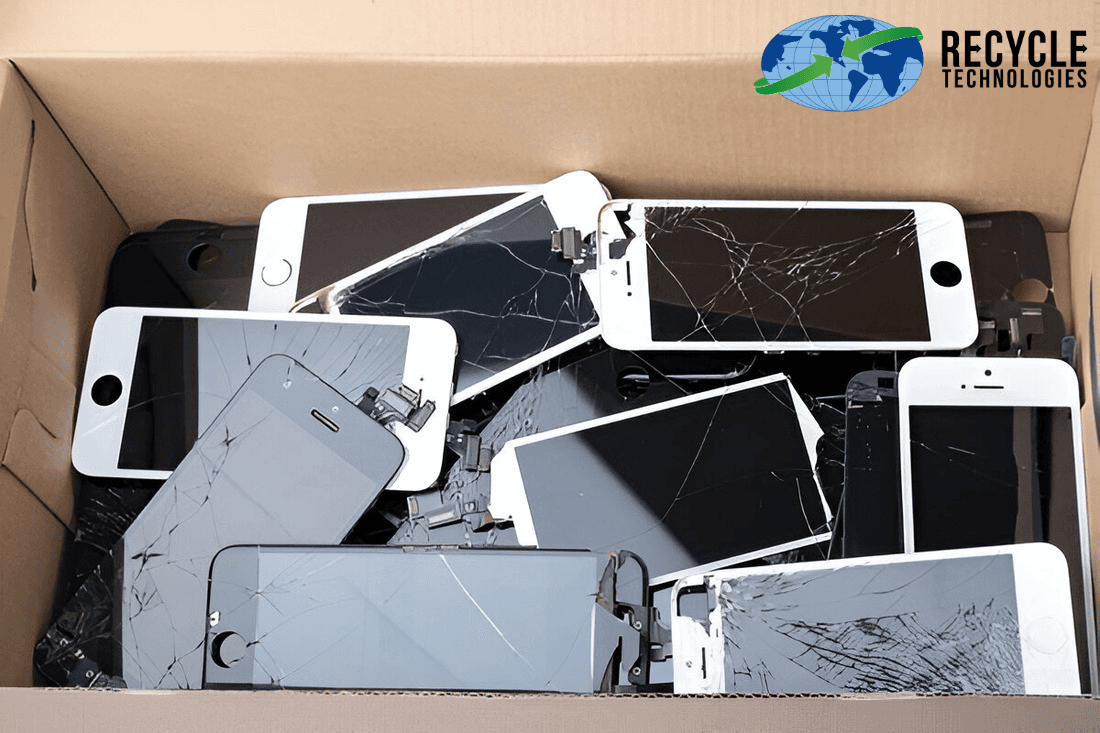
Most people have at least one old iPhone in a drawer. It still holds photos, messages, saved passwords and payment details, and its battery and metals shouldn’t end up in a landfill. The good news: getting it ready only takes a few steps, and there’s a responsible option for every phone, whether it works perfectly or won’t turn on.
This guide covers what to do with old iPhones step by step: how to back up and erase your data, what to do about Find My and Activation Lock, and how to decide between trading in, donating, and recycling. There’s also a section for businesses retiring company phones in bulk.
Why Recycle Your Old iPhone?
Protect your data. An iPhone that hasn’t been signed out and erased can still give access to personal accounts.
Keep hazardous parts out of the trash. iPhones run on lithium-ion batteries, which can catch fire if crushed in a garbage truck or landfill, and electronics contain metals that shouldn’t leach into soil and water.
Recover valuable materials. Phones contain metals like copper, gold, and aluminum that can be recovered and reused instead of mined again.
Free up space. Old phones lose resale value every year they sit unused.
How to Prepare an Old iPhone for Recycling
Do these steps in order, before the phone leaves your hands. They follow Apple's own checklist for selling, giving away, or trading in an iPhone.
1. Back Up Your iPhone
Back up to iCloud (Settings > [your name] > iCloud > iCloud Backup > Back Up Now), or connect to a computer and use Finder on a Mac or the Apple Devices app on Windows. If you're moving to a new iPhone, Quick Start can transfer everything directly.
2. Unpair Your Apple Watch
If a watch is paired with the phone, unpair it in the Watch app so its data is backed up first.
3. Sign Out of Your Apple Account
This is the step most people miss. Go to Settings > [your name] > Sign Out and enter your Apple Account password if asked.
Signing out of your Apple Account is an important part of preparing the phone for transfer. You'll also need to erase the device in the next step. Apple confirms that erasing an iPhone turns off Find My and Activation Lock, allowing someone else to set it up.
4. Switching to Android? Deregister iMessage
Turn off iMessage before you switch, or texts from iPhone users may not reach your new phone.
5. Erase All Content and Settings
Go to Settings > General > Transfer or Reset iPhone > Erase All Content and Settings, enter your passcode, and confirm. If your iPhone uses an eSIM, choose to erase the eSIM profile when asked. The phone is ready when it restarts to the Hello screen.
6. Remove the SIM Card
Remove your physical SIM card before recycling or giving away your iPhone. You can keep it if you plan to use it in another phone. If you no longer need it, dispose of it securely rather than putting it in your household trash.
7. Remove the Phone From Your Trusted Devices
Sign in to your Apple Account on another device or online and remove the old iPhone from your device list.
Already Gave the Phone Away?
Ask the new owner to erase it, or erase it remotely using Find Devices on iCloud.com, then remove it from your account and change your Apple Account password.
Phone Won't Turn On?
You can still recycle it. You just can't erase it yourself, so choose a recycler that destroys data-bearing devices, and erase it remotely from iCloud.com if it's still linked to your account.
What to Do With Old iPhones: Your Options
The right choice depends on the phone's age and condition.
Option | Best for | Keep in mind |
Trade in | Newer models in good shape | Apple Trade In, carriers and retailers offer credit toward a new device. Values drop as models age. |
Sell | Working phones with resale value | You'll usually get more than a trade-in, but it takes more effort. |
Donate or hand down | Working phones that still get iOS updates | Phones that no longer get security updates shouldn't be used for banking or shopping. |
Recycle | Old, broken, or water-damaged phones | Use an electronics recycler, not the trash or curbside bin. |
Keep in a drawer | Nobody | The battery slowly degrades, the resale value disappears, and the data sits there. |
Where to Recycle an Old iPhone
Apple Trade In: Apple will trade in or recycle eligible devices in stores or by mail.
Your carrier or an electronics retailer: Many take back phones in stores.
Your city or county: Many run household e-waste drop-offs or collection events.
An electronics recycler: Recycle Technologies accepts cell phones and other mobile devices through its electronics recycling service. Individuals can use a drop-off location. If you aren't near one, an electronics recycling kit from EZ on the Earth lets you mail in old phones, chargers, and cables together. Check the kit details to confirm which items it accepts before shipping.
Searching for iPhone recycling near me? Look for a recycler that explains what happens to devices after collection and gives you documentation, especially if the phone couldn't be erased.
Recycling Old iPhones for a Business
Companies face the same problem at a larger scale: drawers of phones left behind by former employees, a fleet upgrade, or devices that came back damaged. Each one may hold company email, client contacts,s and saved logins.
A few steps help:
Keep an inventory. Record serial numbers or asset tags for every phone you retire.
Release devices from management. If your phones are enrolled in a mobile device management (MDM) system, remove them before they leave so they can be erased and reused or recycled.
Sign out and erase what you can. Follow the steps above for each working phone.
Destroy what you can't erase. For phones that won't power on, or when policy requires destruction, use a secure shredding service. Recycle Technologies' phone shredding service collects phones from businesses and processes them off-site with data wiping or physical destruction, followed by a Certificate of Recycling.
Keep the paperwork. Match the certificate against your inventory for audits and compliance records.
A Note on iPhone Batteries
Every iPhone has a lithium-ion battery built in. Don't try to pry it out. Recycle the whole phone.
If a battery is swollen, the screen is lifting, or the phone gets hot, stop charging it, keep it away from heat and anything flammable, and take it to a recycler soon.
Loose batteries from other devices should go through battery recycling, with the terminals covered, not the trash.
Frequently Asked Questions
Can I recycle an iPad or Apple Watch the same way?
Yes. Back up, sign out of your Apple Account, and erase the device first, then recycle it with your other electronics.
Can I recycle my old charger and cables too?
Yes. Chargers and cables are accepted with electronics recycling, so they can go along with the phone.
Is it illegal to throw a phone in the trash?
It depends on where you live. Some states restrict electronics in landfills, and lithium batteries are a fire risk in garbage trucks either way.
What happens to my iPhone after it's recycled?
It's sorted and taken apart, and plastics, metals and circuit boards are separated so the materials can be recovered.
Ready to Recycle Your Old iPhone?
Back it up, sign out and erase it, then pick the option that fits: trade it in, pass it on or recycle it. For a box of company phones or data-bearing devices you can't erase, Recycle Technologies can help.
Related reading: How to Dispose of an Old Laptop