


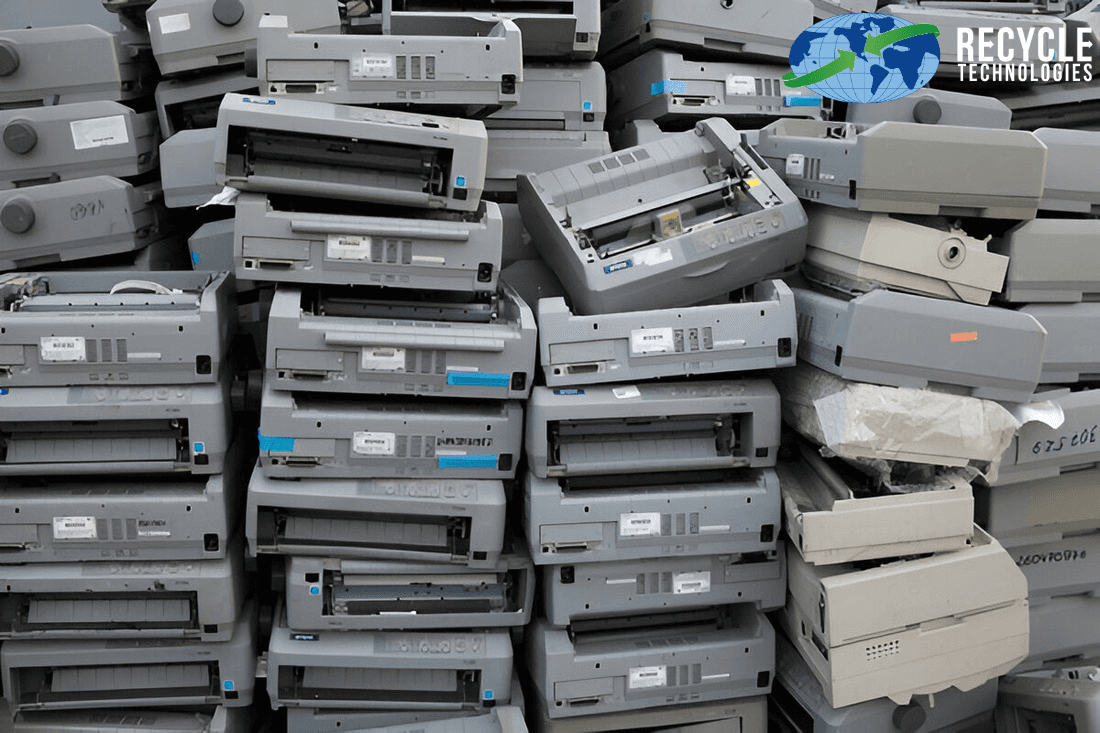
Clear any stored data, remove the ink or toner cartridges, then take the printer to an electronics recycler, a retailer or manufacturer take-back program, or your local e-waste collection. Don't put it in the trash. Office printers and copiers often have an internal hard drive or SSD, so check how stored data will be handled before the machine leaves your building.
This guide is a practical checklist covering what to do before an old printer leaves your hands, how disposal differs for a home inkjet versus an office copier, and where to take it. If you're still deciding whether to keep, donate, or repurpose it, start with What to Do With Old Printers.
Step 1: Figure Out What Kind of Printer You Have
The printer type affects how you should prepare it for disposal.
Printer type | Typical use | Storage considerations | What to focus on |
Home inkjet | Home, small office | May retain network settings, preferences or limited job information | Remove cartridges and restore factory settings |
Laser printer | Home office, business | Some models retain job information or logs in memory or storage | Remove toner and check for storage devices |
All-in-one (print, scan, copy, fax) | Home and office | May retain scan information, fax logs, contacts or network settings | Clear stored information and reset the device |
Office copier or multifunction printer (MFP) | Business | May contain an internal HDD or SSD storing documents and job information | Arrange secure data erasure or physical drive destruction |
Large-format printer or plotter | Design, engineering | Storage capabilities depend on the model | Check for internal storage and plan appropriate collection |
Step 2: Prepare the Printer for Disposal
Follow these steps before taking your printer to a recycling facility or arranging collection.
Print or save anything you need. Export the address book or saved scan settings from all-in-one printers before resetting the device.
Remove ink or toner cartridges. Cartridges go through separate recycling programs. See where to recycle ink cartridges.
Clear stored data. Use the printer's settings menu to restore factory defaults. Delete fax logs, contact lists, and saved Wi-Fi networks where applicable. The menu is usually under Settings, Setup, or Maintenance. Check the manufacturer's manual for model-specific instructions.
Remove memory cards and USB drives. Check all available slots and remove any external storage devices.
Check and secure internal storage. Office printers and copiers may contain an internal hard drive (HDD) or solid-state drive (SSD) that stores scanned documents, print jobs, and other information. A factory reset may not securely erase this data. Ask your IT team, leasing company or equipment provider whether the drive needs secure data erasure or physical destruction. Recycle Technologies also offers a separate hard drive destruction service for retired drives. Contact the team to confirm whether the drive must be removed from the printer before arranging the service.
Disconnect the printer. Unplug the power cable and disconnect USB and network connections.
Remove the device from your computer. Delete the printer from your device list under Printers & Scanners on Windows or the corresponding printer settings on Mac.
Step 3: Choose a Printer Recycling Option
Once your printer is prepared, choose a disposal method that matches its condition, brand and intended use.
Option | Best for | What to consider |
Electronics recycler | Working or broken printers and office equipment | Check accepted items, fees and data-handling services |
Manufacturer take-back | Printers from brands with recycling programs | Eligibility, accepted models and return terms vary |
Retailer recycling or trade-in | Household printers | Store policies, quantity limits and fees vary |
Local e-waste collection | Household printers and electronics | Some programs are limited to residents or scheduled collection days |
Donation or resale | Newer printers that still work | Check the condition and whether the device is suitable for reuse |
Trash | Not recommended | Printers contain plastics, metals, inks, and circuit boards that may be recoverable through recycling |
Printer Recycling With Recycle Technologies
Recycle Technologies accepts printers, copiers, scanners, and fax machines through its electronics recycling service.
Households and businesses can explore these options:
Drop-off: Accepted printers and other electronics can be brought to the Blaine, MN, and New Berlin, WI, drop-off locations during regular business hours, Monday–Friday, 7:30 AM–4:00 PM. No appointment is needed during regular hours. Call ahead to confirm acceptance for your printer type, quantity,y and any applicable fees.
Business pickup: Offices with multiple printers or copiers can schedule a commercial pickup.
Documentation: A Certificate of Recycling is available to help businesses maintain equipment disposal records.
Looking for printer recycling near me in the Twin Cities or Milwaukee area? These two facilities are a place to start.
Disposing of Office Printers and Copiers
Businesses usually have more to consider than someone disposing of a single home printer.
Leased copiers: Check your lease agreement before arranging disposal. The leasing company may require the machine to be returned. Also confirm who is responsible for handling its internal storage and clearing business data.
Several machines at once: Keep an inventory of make, model, and serial number so you can match each device to your recycling records.
Data stored on drives: Treat copier and multifunction printer HDDs and SSDs like other data-bearing storage devices. Consult your IT team or equipment provider about secure erasure or physical destruction. If you use a separate destruction service, confirm whether the drive needs to be removed before collection.
Everything else in the cleanout: Computers, monitors, phones, batteries, and other accepted electronics can be included in the same commercial pickup arrangement.
For retired internal drives, learn more about Recycle Technologies' hard drive destruction services.
Common Printer Disposal Mistakes to Avoid
Throwing a printer in the trash or curbside recycling bin.
Leaving ink or toner cartridges inside instead of removing them for separate recycling.
Skipping the data-clearing process on all-in-one printers and copiers.
Assuming a factory reset securely erases an office copier's hard drive.
Removing or destroying an internal drive without checking the manufacturer's instructions, lease requirements,s or your organization's data security procedures.
Leaving a printer unattended at the curb, where it may be scavenged or improperly discarded.
Frequently Asked Questions
Can I throw away an old printer?
It’s better to recycle it. Printers contain plastics, metals, glass, and circuit boards, and some areas restrict electronic devices from regular trash disposal. Use an electronics recycling program instead.
How do I dispose of a broken printer?
The process is generally the same as disposing of a working printer. Remove the cartridges, check for stored data, and take the device to an electronics recycler that accepts broken printers.
Do printers store personal data?
Some printers do. All-in-one devices, network laser printers and office copiers may retain scan information, fax logs, contacts or documents on internal storage. Check the manufacturer’s instructions and securely handle any HDD or SSD before disposal.
Can I recycle the cartridges with the printer?
No. Remove ink and toner cartridges before recycling the printer. Return them separately through a participating retailer or the manufacturer’s cartridge recycling program.
Does Recycle Technologies pick up printers from businesses?
Yes. Businesses can schedule commercial pickups for accepted printers, copiers, scanners,s and other office electronics. Contact RTI to discuss your equipment and collection requirements.
What happens to a printer after it's recycled?
Processing methods vary by printer type. Equipment is dismantled or processed so materials such as plastics, metals and circuit boards can be separated and sent through appropriate recovery and recycling channels.
Should I remove the hard drive from an old office copier?
Not automatically. First confirm whether the copier contains an HDD or SSD and check your lease agreement or manufacturer's instructions. Consult your IT team about secure data erasure or physical destruction. If you plan to use a separate destruction service, confirm whether the drive must be removed before the equipment is delivered or collected.
Ready to Dispose of Your Old Printer?
Clear the stored data, remove the cartridges and choose an appropriate recycling option for your printer.
Recycle Technologies accepts printers, scanners, fax machines and copiers through its electronics recycling program. Households and businesses can explore available drop-off locations, while businesses with multiple devices can arrange scheduled pickups.
For retired internal drives, you can also explore RTI's separate hard drive destruction service.
Explore Electronics Recycling | Schedule a Business Pickup